AI3D Studio
AI3D Studio 工具信息
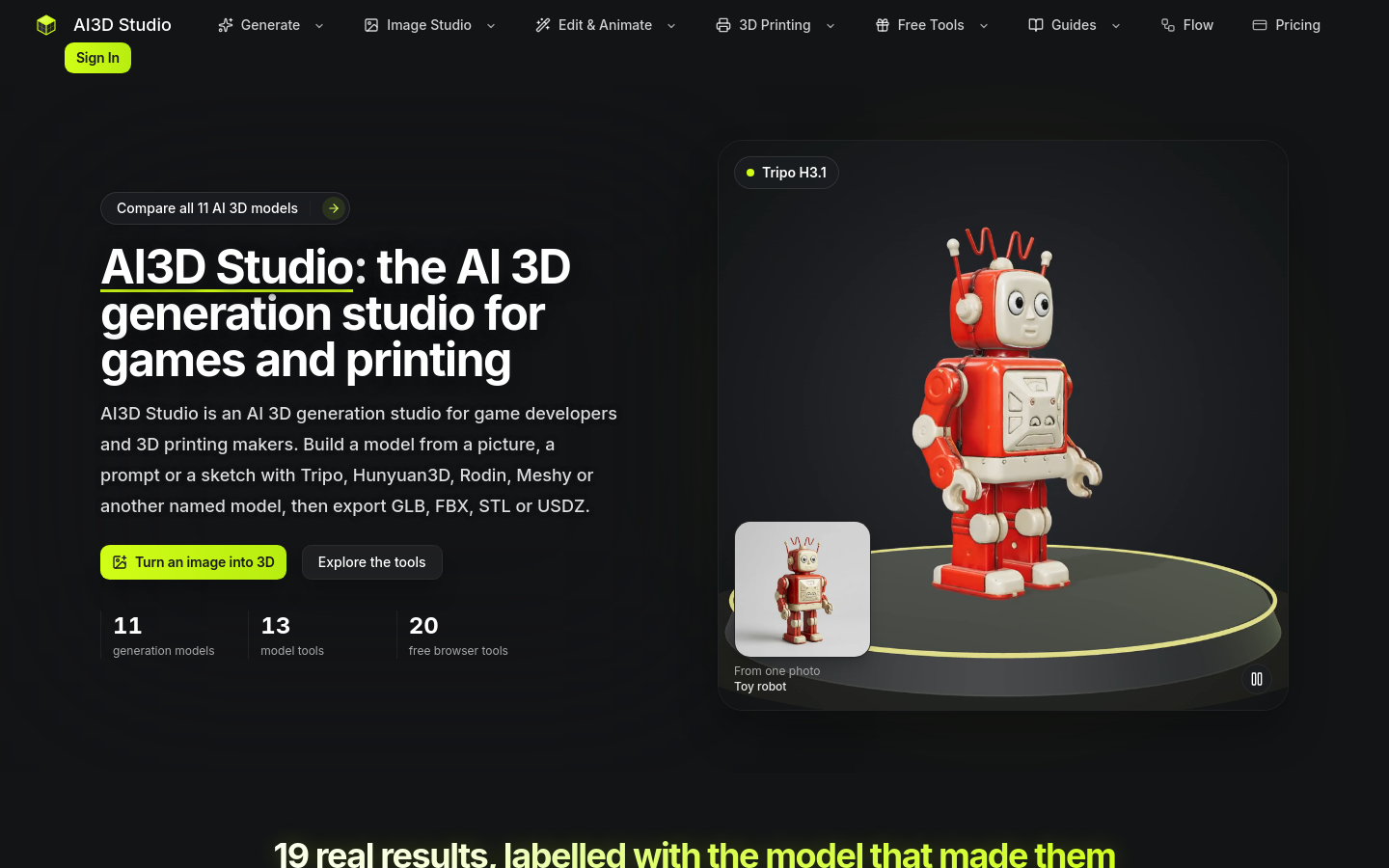
AI 3D model generator and editing studio: images or text to GLB, FBX, STL or USDZ. 12 AI models with retexture, remesh, auto-rig, PBR and 3D-print prep for game developers and 3D-printing enthusiasts.
使用场景与标签
来自 AI3D Studio 的常见问题
What is AI3D Studio?
AI3D Studio is an AI 3D generation studio: it runs named upstream models — Tripo, Hunyuan3D, TRELLIS.2, Rodin, Meshy, Hitem3D and Seed3D — behind one credit balance, with tools to retexture, rig and prepare models for printing.
Which model should I start with in AI3D Studio?
Tripo H3.1 is the default in AI3D Studio: a textured model from a picture costs 38 credits and one from a prompt costs 26. For a lower-cost first run, Hunyuan3D 3.1 Rapid costs 29 credits.
What can I do in AI3D Studio without paying?
Without paying, AI3D Studio lets you orbit every sample model on its pages and use the 20 browser tools, which run on your device. Generating a new model needs credits from a pack or a plan; creating an account adds none.
Can I use AI3D Studio models in commercial work?
Yes. The AI3D Studio Terms of Service give you ownership of the outputs generated for you, subject to third-party rights, on every plan, and 3D downloads carry no watermark.
Which file formats does AI3D Studio support?
AI3D Studio returns each model’s native formats — GLB, FBX, OBJ, STL, USDZ or PLY depending on the model — and the download panel converts results to GLB, OBJ, STL, 3MF, USDZ, PLY or FBX in the browser. The 3D file formats guide explains which one to pick.
Does AI3D Studio build its own 3D models?
No. AI3D Studio runs third-party models and names each one; it does not claim ownership of Tripo, Hunyuan3D, TRELLIS.2, Rodin, Meshy, Hitem3D or Seed3D.
How long does an AI3D Studio generation take?
An AI3D Studio generation takes from about a minute and a half to several minutes, depending on the model: the same toy-robot photo came back in 83 s from Tripo P1 and in 468 s from Hitem3D 3.0. The estimate for the chosen model is shown next to its credit cost before you submit.
What kind of image works best in AI3D Studio?
AI3D Studio works best with one subject on a plain background, fully in frame and evenly lit; clutter and hands end up in the mesh. Uploads take JPEG or PNG up to 20 MB (some models also read WebP; Hunyuan3D takes up to 8 MB), and the guide to preparing an image for 3D covers the rest.
Can I 3D print models made in AI3D Studio?
Yes. AI3D Studio exports STL from Hitem3D 3.0 and converts any result to STL in the browser, and its print tools split a model into printable parts or reduce it to 2–8 filament colors. The free relief, lithophane and SVG tools produce print-ready STL on your device.
为什么收录它
- 发布前经过人工审核
- 付费模式标识清晰