Pika H3 Flex — AI Video Studio
Pika H3 Flex — AI Video Studio 工具信息
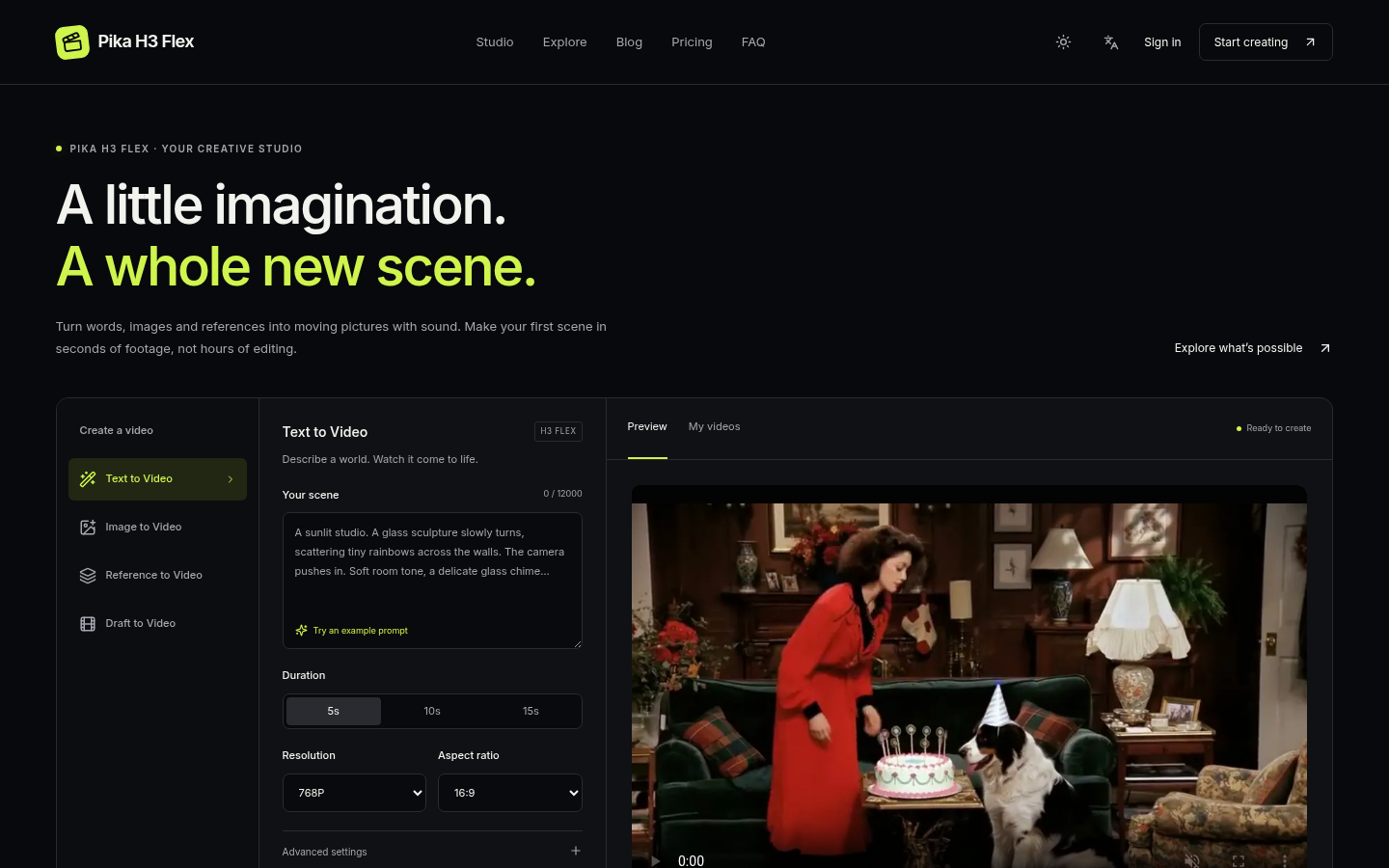
Turn words, images and references into moving pictures with sound. Make your first scene in seconds of footage, not hours of editing.
来自 Pika H3 Flex — AI Video Studio 的常见问题
What can I make with Pika H3 Flex? +
Create short scenes with synchronized audio from text, keyframe images or reference media. Use Draft to Video to upscale a completed 480p or 768p scene to 1080p, 2K or 4K.
How do credits work? +
Text and image modes cost 2 / 4 / 7 / 8 / 16 credits per second at 480p / 768p / 1080p / 2K / 4K. Prompt refinement adds 4 credits. Reference mode uses a higher rate, with a fixed 15-second input allowance when video references are included. The full price is shown before submission.
What happens if my video fails? +
A confirmed provider failure restores the credits automatically. If a request times out, it remains saved so you can refresh My videos without paying for the same job twice.
Can I use my own images and references? +
Yes. Image mode accepts a first frame, last frame or both. Reference mode accepts images, videos and audio; include at least one image or video. Only upload materials you have permission to use.
Are 2K and 4K native generations? +
480p and 768p are native resolutions. Higher resolutions use an upscale stage that preserves the scene and audio. Video duration is 5–15 seconds.
为什么收录它
- 发布前经过人工审核
- 付费模式标识清晰