Image to Layers AI
Image to Layers AI tool information
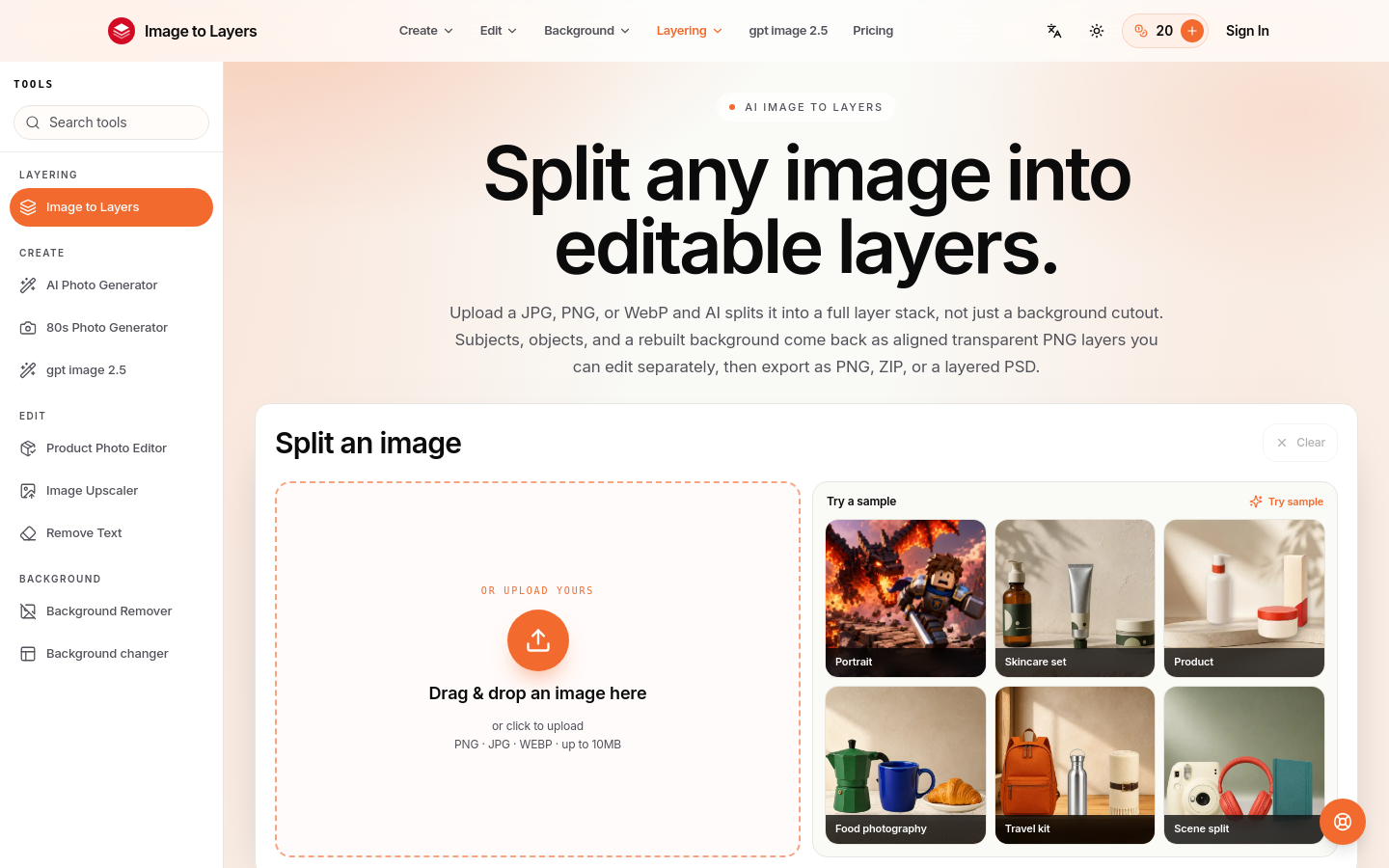
用 AI 把任意一张平面图片拆成可编辑的透明图层(PNG/PSD). Turn any image into editable layers with AI. Upload a picture and get the subject, background, and objects as separate transparent PNG (RGBA) layers in about a minute. Works in any editor like Photoshop, Figma, or After Effects. Ideal for designers, motion artists, and developers who need quick, clean layer stacks without manual masking.
Use cases and tags
Frequently asked questions from Image to Layers AI
Are the layers really transparent, or just cropped rectangles?
Every layer is a true RGBA image with a real alpha channel. Transparent areas are genuinely transparent. Stack the layers in any editor and they recompose into the original picture.
How many layers can I get from one image?
You choose the count yourself: anywhere from 2 to 17 layers, including the background. AI plans what goes on each layer from your image and prompt, so the result matches the number you picked. If your prompt names a different number, we ask you to fix it before any credits are used.
Do I own the layers I generate?
You keep ownership of your content. Commercial use comes with any paid credit pack or plan, provided you have the rights to the original image. Starter credits are for personal use and do not include a commercial-use licence.
What image formats can I upload and download?
Upload JPG, PNG, or WebP up to 10 MB. Layers download as transparent PNG by default, with WebP available if you prefer smaller files.
Will my images stay private?
Yes. Uploads and results are private on every account, including free accounts. We do not publish them in a gallery or use them in marketing. You can delete a task and its files from your history.
Can I separate an image into layers online, without installing anything?
Yes. Image to Layers runs entirely in your browser. Upload a JPG, PNG, or WebP and the AI separates it into layers online, on any device. New accounts include starter credits, so you can run your first split right away.
Can I turn an image into an editable PSD?
Layers export as transparent PNGs named in stacking order. Drag the whole stack into Photoshop or any editor that supports layers, and you have an editable layered document you can save as a PSD.
Why it is listed
- Reviewed before publication
- Pricing model clearly labeled