Photoshoot.app
Photoshoot.app tool information
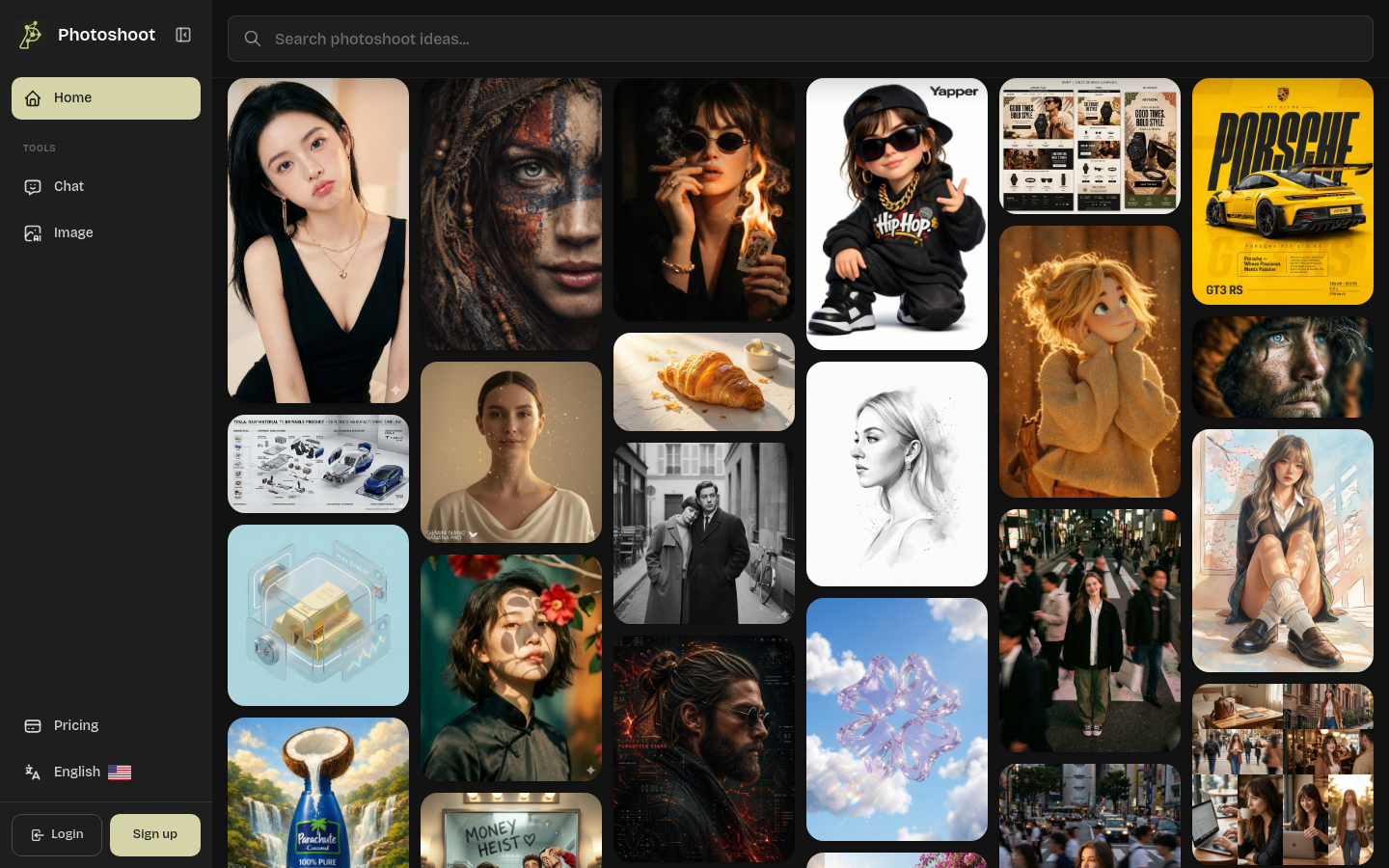
Photoshoot.app helps ecommerce sellers, creators, and brands turn product, fashion, portrait, and campaign references into original AI visuals without starting from a blank prompt.
Use cases and tags
Frequently asked questions from Photoshoot.app
Is there a free trial available?
Yes. You can start with the free tier to explore the platform and test visual creation before upgrading for higher-volume production and premium capabilities. Start Creating
What is Photoshoot.app?
Photoshoot.app is a creative platform for discovering photoshoot ideas and producing professional-quality visuals. Creators, brands, marketers, sellers, and photographers can browse inspiration across categories, then turn ideas into original images and videos in minutes.
How does Photoshoot.app work?
Start with an idea, prompt, image, product, portrait, or reference style. Photoshoot.app interprets the creative direction, generates new visuals, and helps you create similar images or variations for your chosen use case.
What types of photoshoot ideas can I explore?
You can explore ideas for product photography, fashion photography, portraits, maternity shoots, lifestyle content, ecommerce assets, social campaigns, food, beauty, jewelry, interiors, personal branding, and more.
Can I use Photoshoot.app images for commercial purposes?
Yes. Generated visuals can be used for personal and commercial projects, including ecommerce listings, ads, social media, websites, presentations, and brand campaigns. Always review outputs for accuracy before publishing.
How long does a photoshoot take?
Most generations complete in minutes, allowing you to test multiple ideas, styles, and content directions much faster than a traditional production workflow.
Do I need photography experience to use Photoshoot.app?
No. Photoshoot.app is designed for ecommerce sellers, creators, marketers, designers, photographers, agencies, freelancers, and entrepreneurs who need strong visual ideas and fast content creation.
Can I create both images and videos?
Yes. Photoshoot.app supports image creation and video-oriented visual workflows, so you can explore ideas and produce content for campaigns, social channels, product pages, and brand storytelling.
Why it is listed
- Reviewed before publication
- Pricing model clearly labeled