
Vofy
Vofy tool information
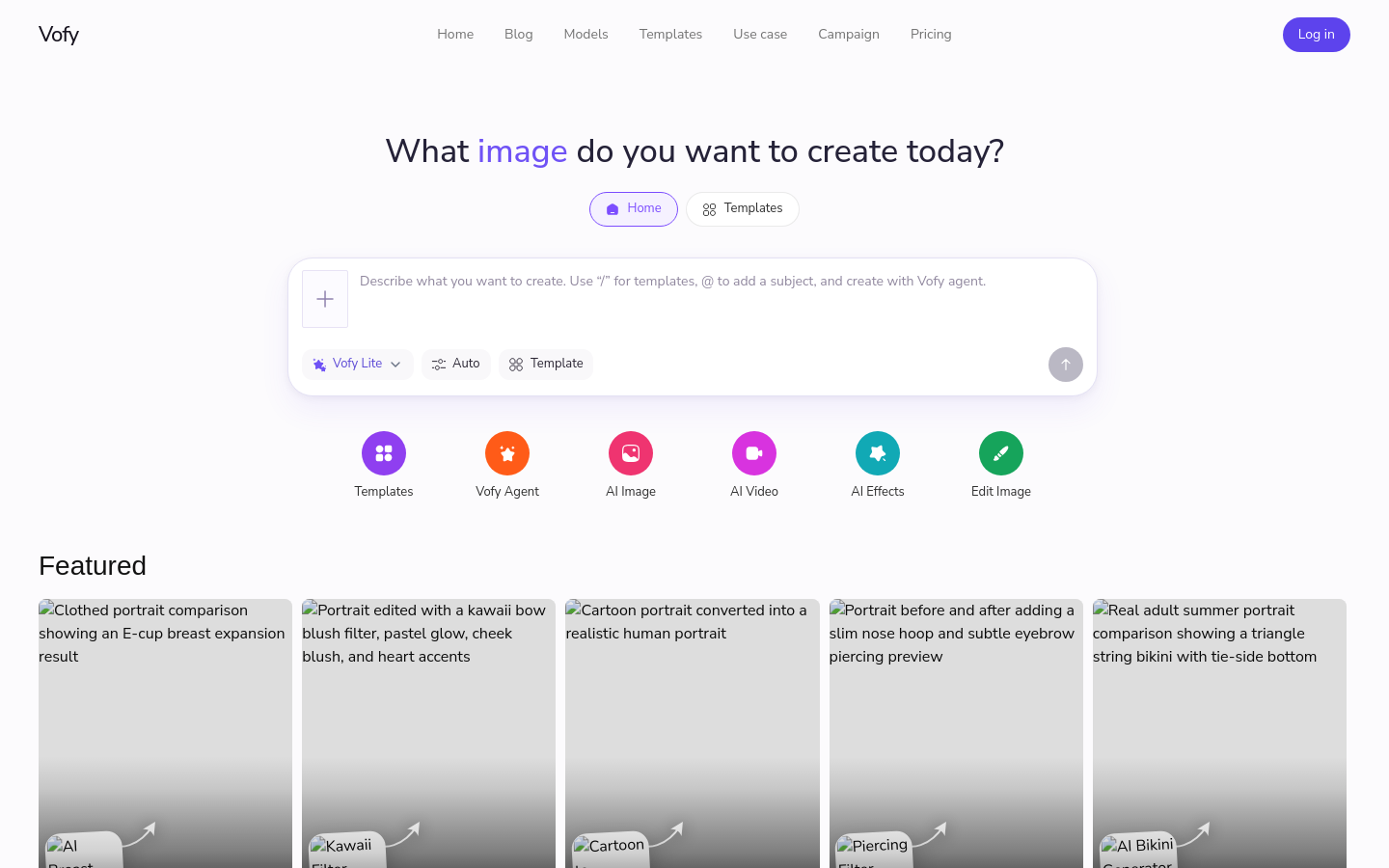
Vofy is an AI creative studio that provides tools for generating and editing images and videos. The platform allows users to apply various effects and filters to create content. It supports functions such as AI video generation, AI image generation, image editing, and custom AI effects. Users can utilize a variety of built-in templates and filters, including cartoon to realistic conversion, age generation, live photo makers, and various aesthetic and body adjustment filters. The platform supports diverse creative goals, ranging from beauty and wedding photo edits to interior design, memes, posters, anime, and e-commerce visuals. Vofy integrates multiple third-party AI models to power its generations, including options like Grok, Sora, Veo, Gemini, and Kling. The service operates on a credit-based subscription model, offering a free tier with limited monthly credits alongside several paid plans for higher generation limits, parallel creations, and commercial licensing.
Use cases and tags
Frequently asked questions from Vofy
What is Vofy?
Vofy helps creators try fresh AI image and video effects with daily-updated presets, image tools, video workflows, and the latest AI models for shareable visuals.
Which AI models can I use?
Vofy brings together image and video models such as GPT Image, Nano Banana, Veo, Sora, Kling, Seedance, Seedream, Grok Imagine, and more as they become available.
What are Vofy apps?
Apps are ready-to-use presets for common creative tasks. They package prompts, inputs, model choices, and settings into a focused workflow.
Can I create both images and videos?
Yes. You can generate images, create videos, animate stills, use motion control, edit images, and run app-based workflows from the same product.
Can I use generated images and videos commercially?
Paid plans are designed for commercial creative workflows. Review each model and output before final publication, especially for brand, likeness, or regulated use cases.
How do credits work?
Each generation uses credits based on the model, media type, resolution, duration, and route. The create button shows the estimated cost before you run.
Why it is listed
- Reviewed before publication
- Pricing model clearly labeled